$2.5 VPS

Published on
Published on
Reading time
3 min read
Blog post views
111 Views

$2.5 VPS

[1:03 AM] the goal is to deploy this flask jinja2 web app on the cheapest possible vps and sleep. i’m already tired because of a heavy dinner (chicken, rice, roti) and a 9h 55 mins of screen time and travelling.

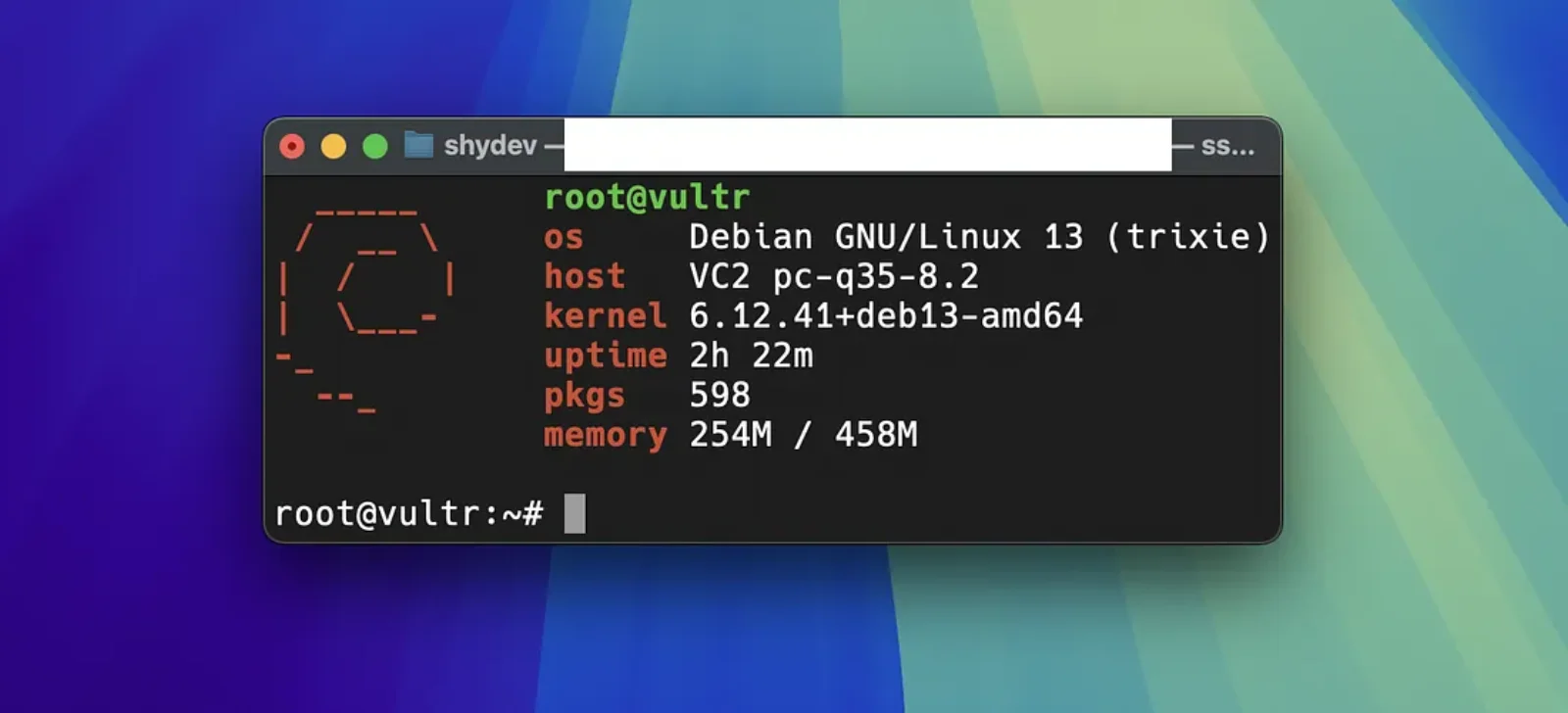
i’m going with vultr because it’s cheap. ofc there are better and free options but i want to avoid them atp. topped up my account with $5 and spinning a $2.5 debian x13 x64 vps right now.

music i’m on —

[1:10 AM] i'll ssh into this and run a sudo apt upgrade && sudo apt update. i don’t think there will be any updates though.

excpet libxml2 there weren’t any more updates in the vps. now i’ll add github cli and authenticate. fairly easy thing to do.

sudo apt install gh

now gh auth login should start the authentication part. this package is called gh-cli in some pkg managers iirc.

? What account do you want to log into? [Use arrows to move, type to filter]
> GitHub.com
> GitHub Enterprise Server

[1:14 AM] ran into an error unable to find git executable in PATH; please install git before retrying. i’ll have to install git pacakge now. while i’m at it lets install docker too.

# Add Docker's official GPG key:
sudo apt-get update
sudo apt-get install ca-certificates curl
sudo install -m 0755 -d /etc/apt/keyrings
sudo curl -fsSL https://download.docker.com/linux/debian/gpg -o /etc/apt/keyrings/docker.asc
sudo chmod a+r /etc/apt/keyrings/docker.asc
 
# Add the repository to Apt sources:
echo \
  "deb [arch=$(dpkg --print-architecture) signed-by=/etc/apt/keyrings/docker.asc] https://download.docker.com/linux/debian \
  $(. /etc/os-release && echo "$VERSION_CODENAME") stable" | \
  sudo tee /etc/apt/sources.list.d/docker.list > /dev/null
sudo apt-get update

[1:21 AM] i’m done. trying github auth again.

? Paste your authentication token: ****************************************
- gh config set -h github.com git_protocol https
 Configured git protocol
! Authentication credentials saved in plain text
 Logged in as ayush-that
root@vultr:~#

[1:23 AM] worked. now i’ll clone the repo and do the next steps. at a stage where i don’t have to go to github repo page and copy that link i can write those links for all repo i own myself.

i’m hoping python to be installed already. idk if i even need that because ts is dockerized already. i definitely need the .env so touch .env and then i’ll enter all environment variables. it rarely happens that i don’t create a .env.example and this is one of those rare times.

here’s a quick look at my Dockerfile

FROM python:3.11-slim
WORKDIR /app
RUN apt-get update && apt-get install -y \
    bash \
    && rm -rf /var/lib/apt/lists/*
COPY requirements.txt .
RUN pip install --no-cache-dir -r requirements.txt
COPY . .
EXPOSE 8000
CMD ["gunicorn", "-w", "2", "-b", "0.0.0.0:8000", "wsgi:app"]

[1:39] got the db connection string (i’m using neondb) got the SECRET_KEY with a openssl rand -base64 32.

[1:43 AM] i already have a shell script that should ideally do everything for me and serve at PORT 8000.

#!/usr/bin/env bash
set -euo pipefail
 
CONTAINER_NAME="name"
IMAGE_NAME="name"
 
if docker ps -a --format 'table {{.Names}}' | grep -q "^${CONTAINER_NAME}$"; then
    docker stop "$CONTAINER_NAME" >/dev/null || true
    docker rm "$CONTAINER_NAME" >/dev/null || true
fi
 
if docker images --format 'table {{.Repository}}' | grep -q "^${IMAGE_NAME}$"; then
    docker rmi "$IMAGE_NAME" >/dev/null || true
fi
 
docker build -t "$IMAGE_NAME" .
 
ENV_ARGS=""
if [[ -f ".env" ]]; then
    ENV_ARGS="--env-file .env"
fi
 
docker run -d \
    --name "$CONTAINER_NAME" \
    -p "80:8000" \
    $ENV_ARGS \
    "$IMAGE_NAME"

let’s make it executable with sudo chmod +x ./build.sh and i get a ./build.sh:line 17L docker: command not found when i execute it because i haven’t installed docker yet.

sudo apt-get install docker-ce docker-ce-cli containerd.io docker-buildx-plugin docker-compose-plugin

[1:47 AM] another shot at ./build.sh and i get docker: invalid env file (.env): variable ‘DATABASE_URL’ contains whitespaces. i copy pasted whitespaces. so stupid of me.

this is taking longer than it should because of my carelessness.

[1:49 AM] we’re done.


Comments